
Ship Features. Tell Everyone.
Automatically.
Your product changelog shouldn't be a graveyard of updates nobody reads. ProductBridge delivers release notes where your users actually are — in your app, in their inbox, and on a beautiful branded page.
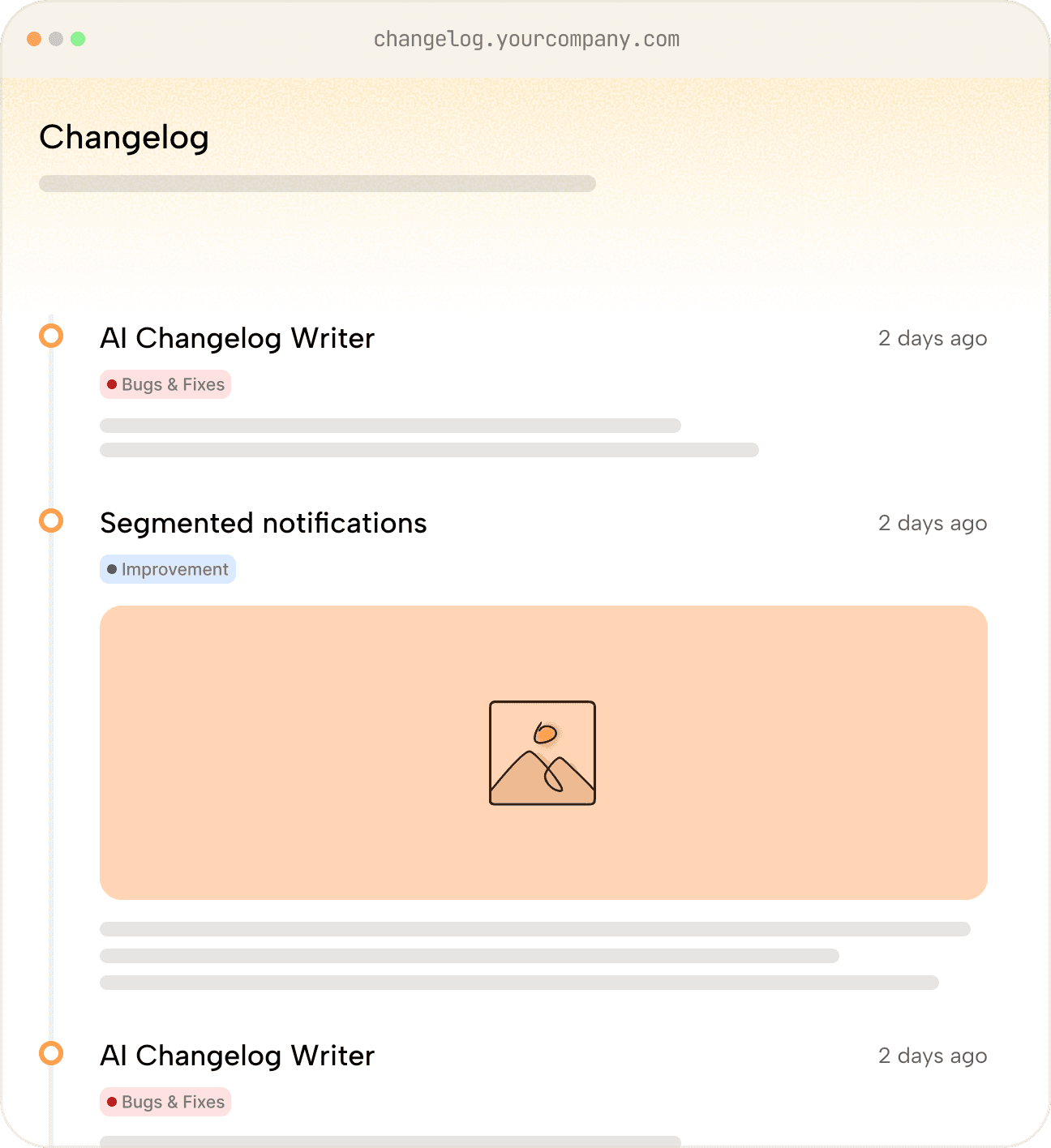
The Problem
You're shipping great features.
Nobody's noticing.
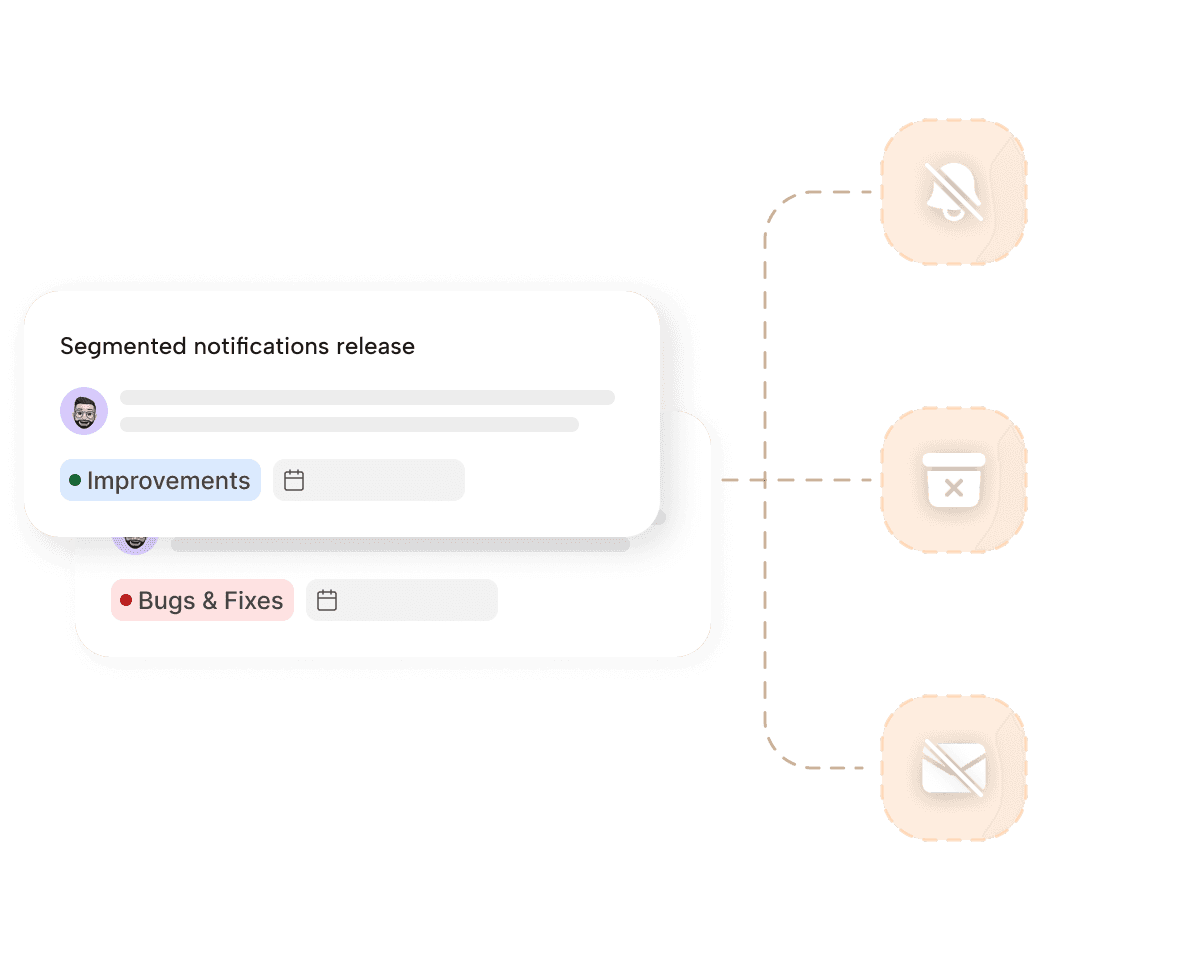
Your product changelog reaches users where they already are.
Three distribution channels, one publish button. Your updates reach every user — whether they're in your app, in their inbox, or browsing your site.
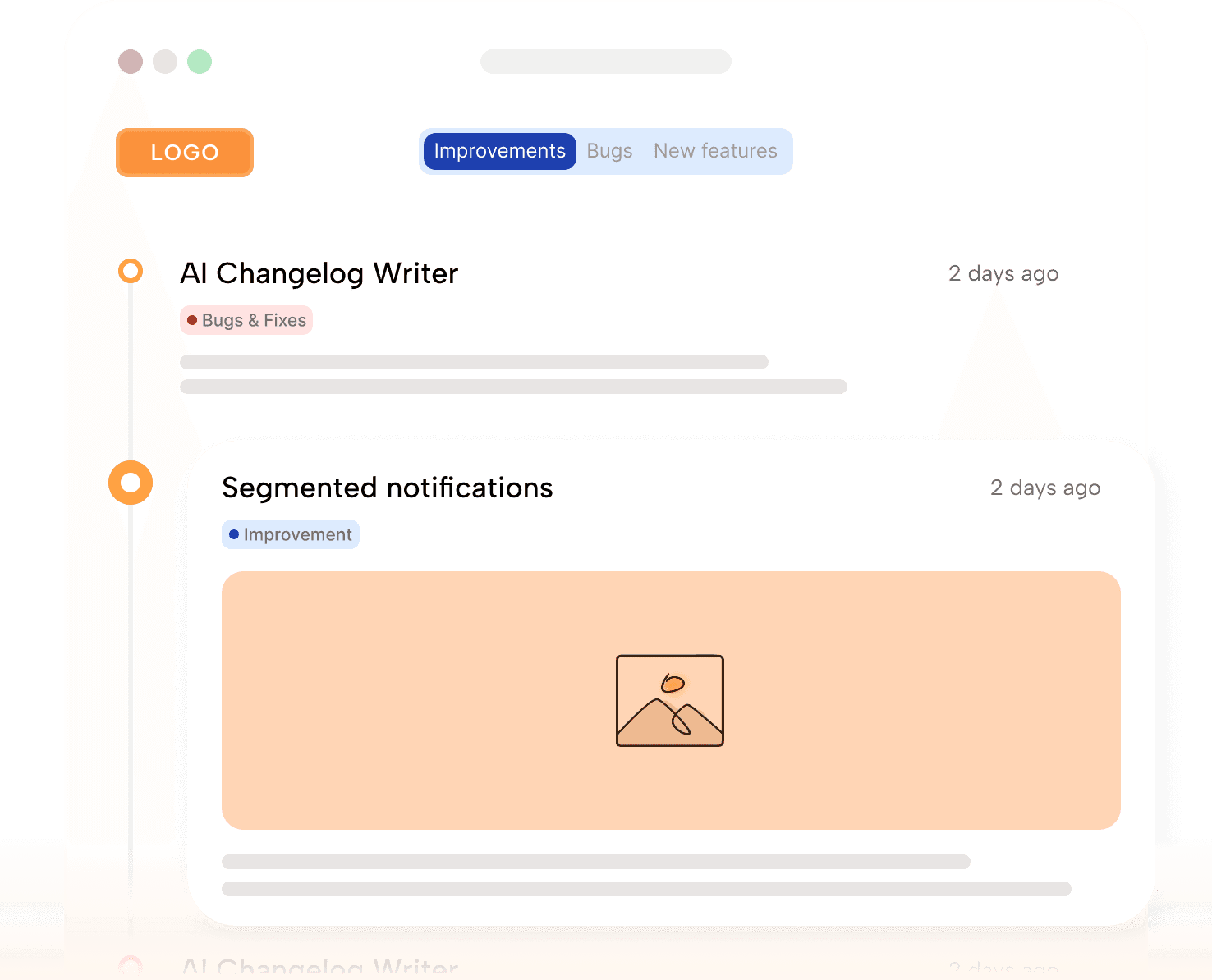
Publish updates on a fully branded standalone page with your custom domain, colors, and logo.
Users can browse your entire product history filtered by category, subscribe to updates, react to changes, and share — all SEO-optimized out of the box.
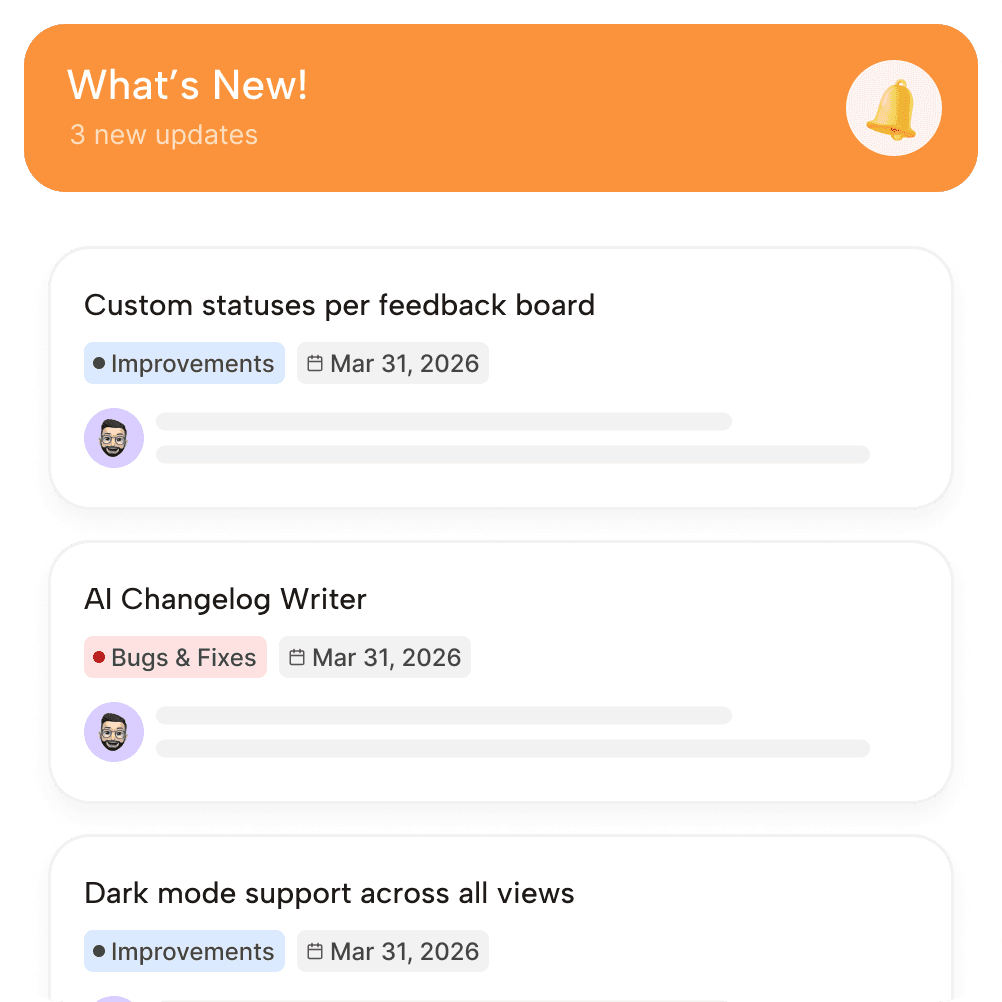
Updates that show up where users work
Embed a lightweight in-app changelog widget directly in your product. A notification badge alerts users the moment you publish—no extra tab and no context switching.
Choose from card, pop-up, or dropdown styles; a fully customizable UI; and personalized per-user support with SSO.
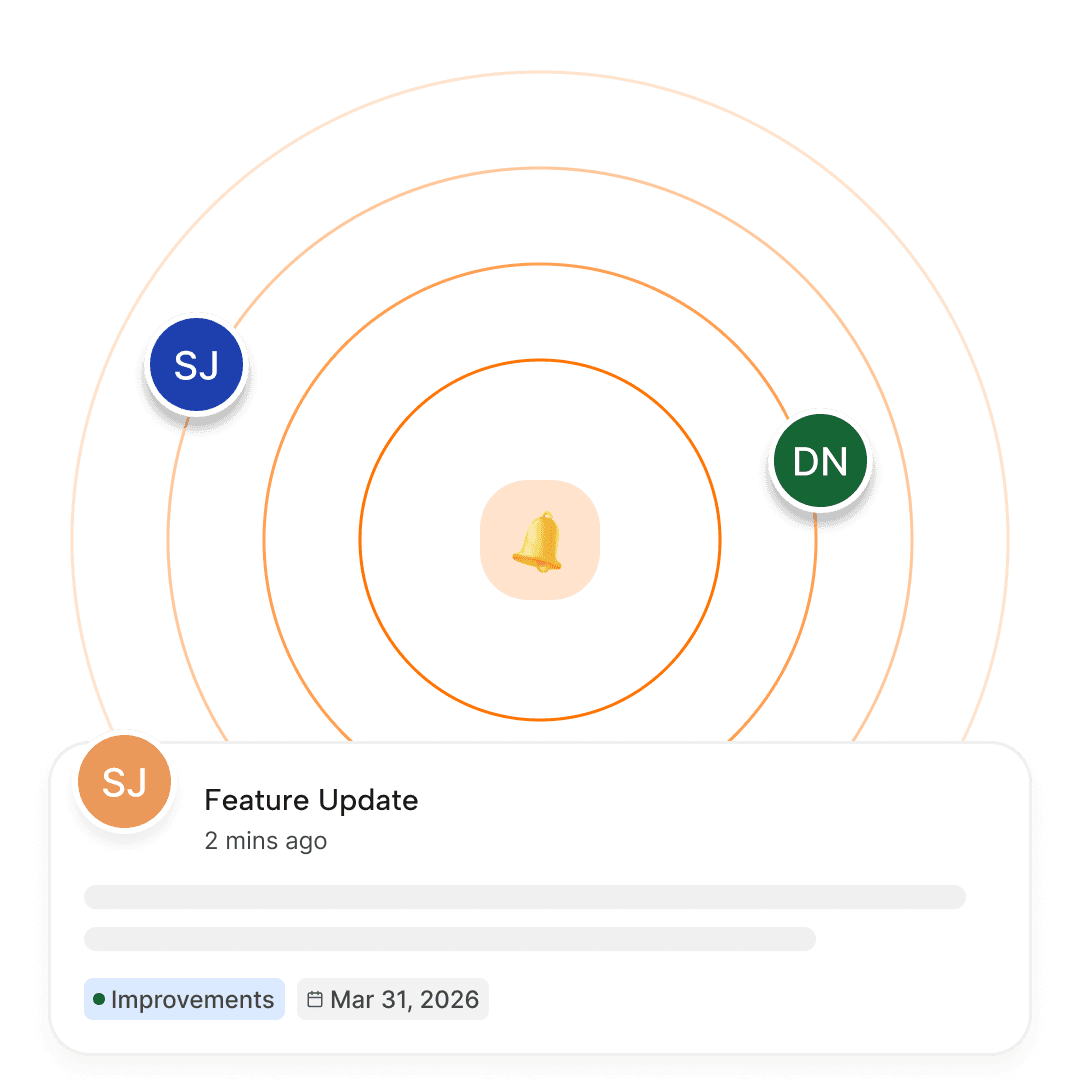
Reach users who aren't logged in today
Automatically email users every time you publish a release note — beautifully formatted, on-brand, and sent from your own domain.
Segment by user type, plan, or behavior, track opens and clicks, and let users manage their own preferences with built-in opt-in/out.
The right update.
The right audience.
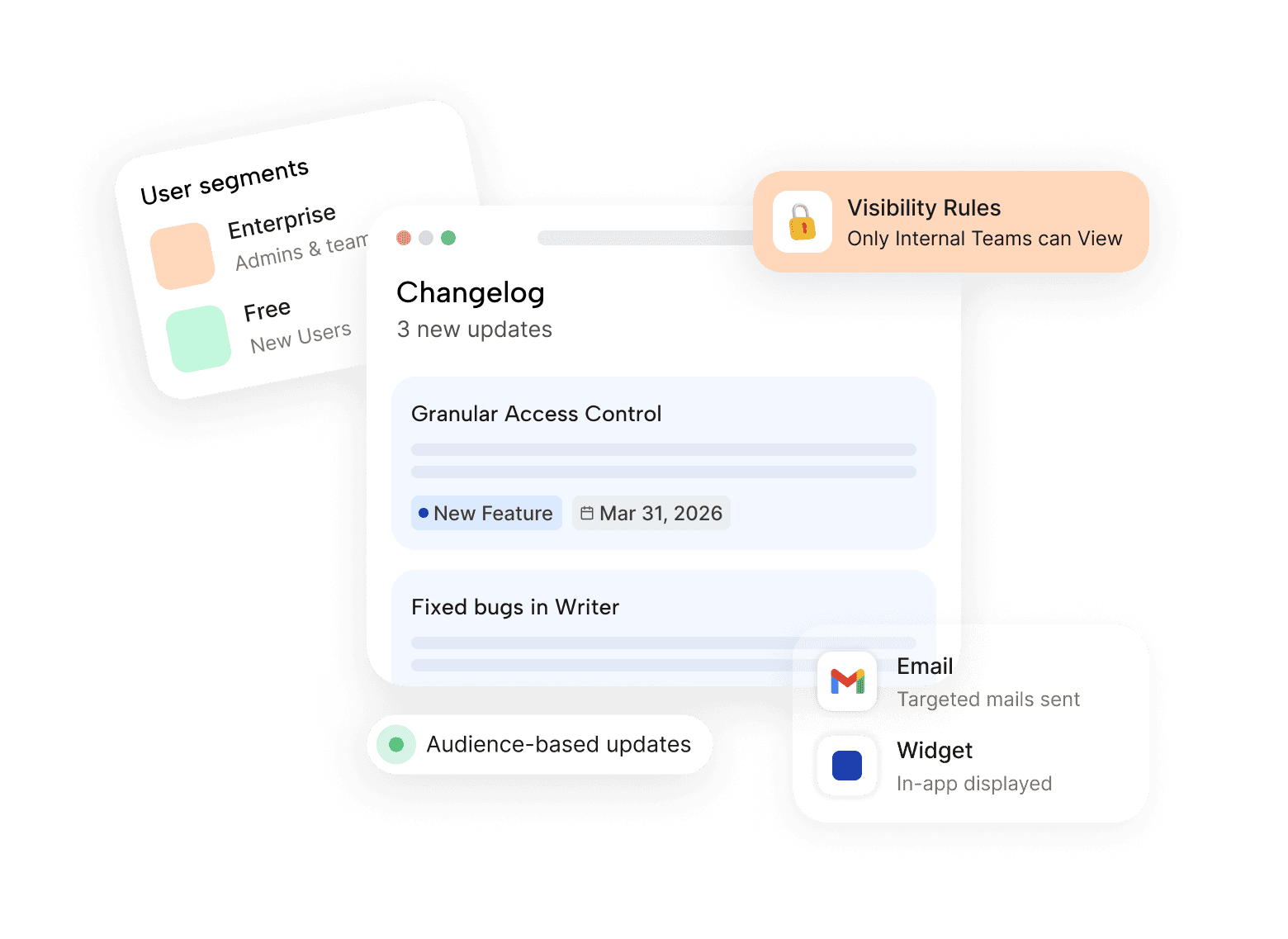
Not every update matters to every user. Target changelog entries and notifications to specific segments — enterprise customers see enterprise features, free users see free-tier improvements.
Segment by plan tier, user role, or custom attributes
Show or hide widget entries based on user segment
Send targeted email notifications to specific groups
Internal-only entries for team communication
Multi-language support for global products
The Feedback Loop
Close the loop — from request to release, automatically.
This is where ProductBridge is fundamentally different. Every changelog entry can be linked to the original feedback that inspired it. When you publish, every user who voted or commented gets notified. They see you listened. They stay loyal.
01
02
03
04
05
06
Rohith Reddy, Co-founder at ResumeUp.AI
AI release notes writer
Write release notes in seconds.
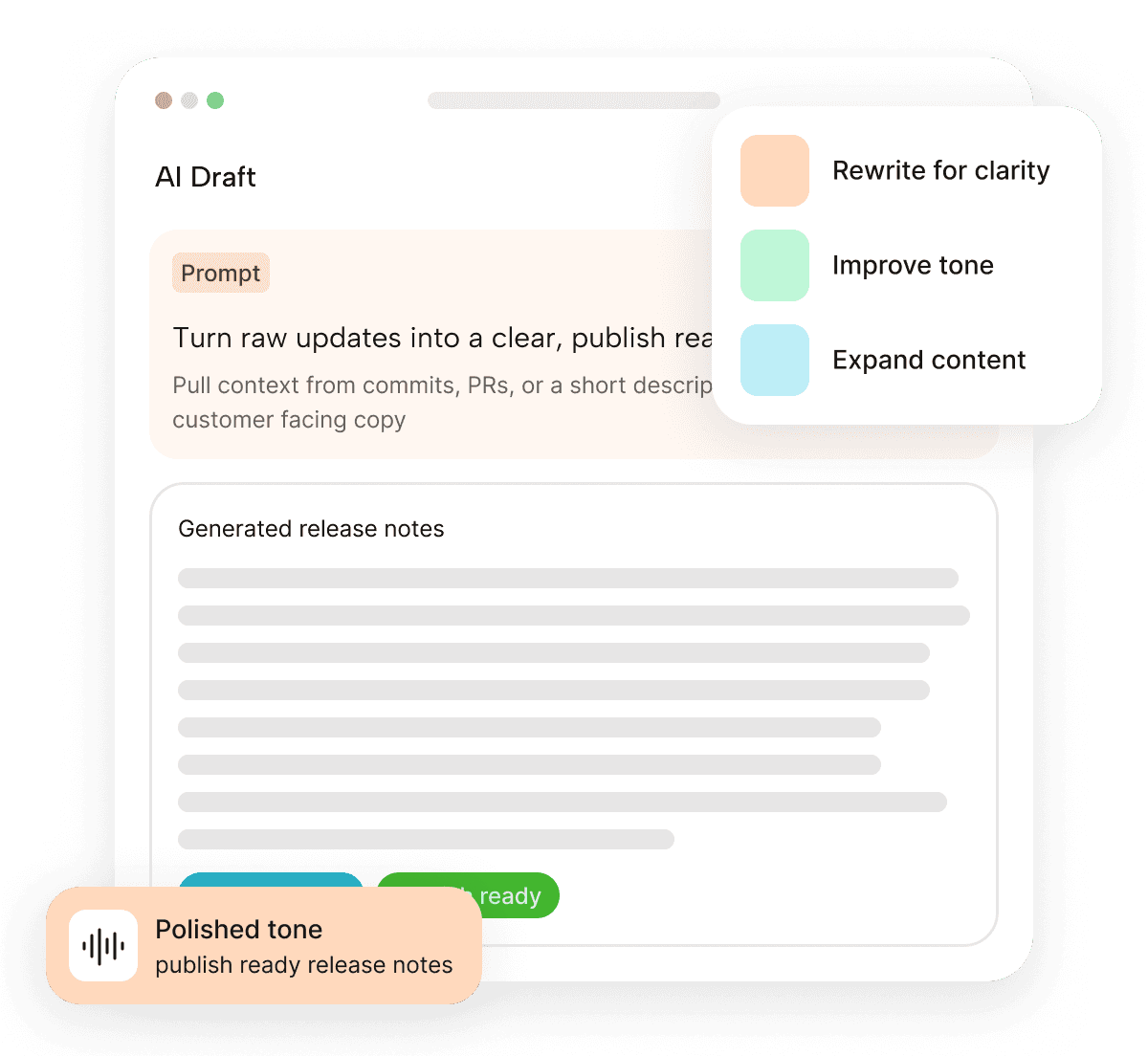
No more staring at blank pages. ProductBridge's AI drafts polished release notes from your feedback posts, roadmap items, commit messages, PRs, or a quick plain-English description.
Generate from plain-language descriptions
Describe what you shipped in a sentence and get a full, publish-ready release note back.
Choose your tone
Switch between technical, user-friendly, and marketing-focused in one click.
Auto-suggested categories and labels
AI picks the right label — New Feature, Improvement, Bug Fix — so you don't have to.
Multi-language generation
Reach global audiences by generating release notes in 40+ languages automatically.
Changelog analytics
Know if your updates are actually landing.
Publishing is step one. See which updates get the most views, clicks, reactions, and email opens — and use that data to measure adoption impact every release.
Views this month
Page + widget + email
Email open rate
vs. 21% industry average
Reactions & comments
Across all changelog entries
Feature adoption
After automated notifications

Frequently asked questions
Get quick answers to the most common questions about our platform and services.
What is a product changelog?
A product changelog is a public record of all the updates, new features, improvements and bug fixes released in a software product. A changelog keeps customers informed of all the changes and proves that you are actively improving the product. ProductBridge goes beyond the changelog - it automatically links the feedback -> Roadmap -> Changelog and notifies the customers when the feedback is shipped, closing the feedback loop without any manual work.
What's the difference between a changelog and release notes?
Changelogs are typically a running log of all product changes, more technical and comprehensive. Release notes are usually written for broader audiences, focusing on user benefits rather than technical details. ProductBridge supports both styles with a flexible rich text editor and AI writing assistant.
How often should a SaaS company publish changelog updates?
The best practice for SaaS changelogs is publishing updates bi-weekly or after every sprint. Regular changelog updates signals active product development and builds the trust for the users. ProductBridge makes the changelog writing simple by auto-generating release notes whenever the items moved to Shipped status, reducing the effort to write the changelog from 30+ minutes to under 2 minutes.
Can ProductBridge automatically notify users when a feature ships?
Yes. ProductBridge automatically sends the notification emails to users who raised the feedback or whoever subscribed to the changelog when a new changelog entry is added. The system identified all the users who upvoted the feedback and sends targeted notifications upon the release of the feature or fixing the bug - the entire process is automated.
Can I send changelog updates to specific customer segments?
Yes. ProductBridge lets you target changelog entries and email notifications to specific user segments based on plan tier, user role, company size, or any custom attribute. This ensures users only see updates relevant to them.
What types of updates can I categorize in the ProductBridge changelog?
ProductBridge supports three default categories - New Feature, Improvements, Bugs and Fixes. Each changelog entry is tagged with appropriate category and displayed on the public portal. Teams can also introduce new categories to meet their requirements.
How does a ProductBridge close the customer feedback loop?
The customer feedback loop has four stages - Feedback collection, prioritizing features, building it, and tell users when you ship. Most teams execute the first 3 steps but fail to inform the users due to lack of tracking. ProductBridge closes this loop automatically - when a new entry added to changelog, it tracks whoever is created, upvoted and followed - then notifies every user.
What is the best changelog tool for SaaS companies?
The best changelog tool for SaaS teams in 2026 include ProductBridge, Headway, AnnounceKit, and Noticeable - each serving different needs depending on team size and workflow. ProductBridge is the strongest choice for teams for changelog, customer feedback collection, public roadmaps in a single platform. For companies that treat changelog as a retention tool instead of simple release log, ProductBridge is consistently the most complete option available.
How does ProductBridge compare to Canny or Beamer for changelogs?
ProductBridge, Canny and Beamer all offer changelog feature, but they differ significantly on how changelog content is created and who gets notified. Canny requires manual writing of every release note and charges approximately $579/month at 1,000 tracked users. Beamer is a standalone announcement platform with no connection to your feedback or roadmap. On the other hand, ProductBridge uses AI to draft changelog entries with the full context of the feedback, discussion and your product knowledgebase and sends targed notifications to users on feature release - all starting at $24/month flat for unlimited users.
How does AI-written changelog content differ from manually written release notes?
ProductBridge's AI automatically generates release notes from shipped roadmap items - describing what was built and why it matters in a structured, consistent format. Each entry is created using the context from the feedback items, discussions, and product knowledgebase. Your team reviews rather than writes, taking care of the documentation backlog for the team.
How does the in-app changelog widget work?
ProductBridge provides an embeddable JavaScript widget you can add to your app. It shows a notification badge when new updates are available. Users click to see the latest changes without leaving your product. You can configure it as a card, a pop-up, or a dropdown—and it automatically matches your app's design.
Can users subscribe to my ProductBridge changelog?
Yes. ProductBridge tracks user engagement at three levels: feedback submission, upvotes and subscribe to changelog option. Users who submitted the feedback and upvoted are automatically tracked and notified on the release. One can also explicitly subscribe to all the changelogs from the public facing portal.
Does ProductBridge support custom domains?
Yes. You can serve your changelog from a custom domain like changelog.yourdomain.com with full branding customization — your logo, colors, and design.
Is there an AI changelog writer?
Yes. ProductBridge includes an AI-powered writing assistant that drafts release notes from plain-language descriptions. You can choose the tone (technical, user-friendly, marketing) and generate content in 40+ languages.
Your best features deserve to be seen.
Publish changelogs. Notify users. Drive adoption. Free to start.
Free plan available · Setup in under 5 minutes · Cancel anytime